Teams+
License Keys
On the Access page, you can access and update your CI/CD key.
info
For local device activation, add your developers. Once added, they will receive an email with the activation code.
Access CI/CD Credentials
- Navigate to the "License Keys" section.
- Click "Show" to reveal the key.
- Click "Copy" to copy the key to your clipboard.
Generate New CI License Key
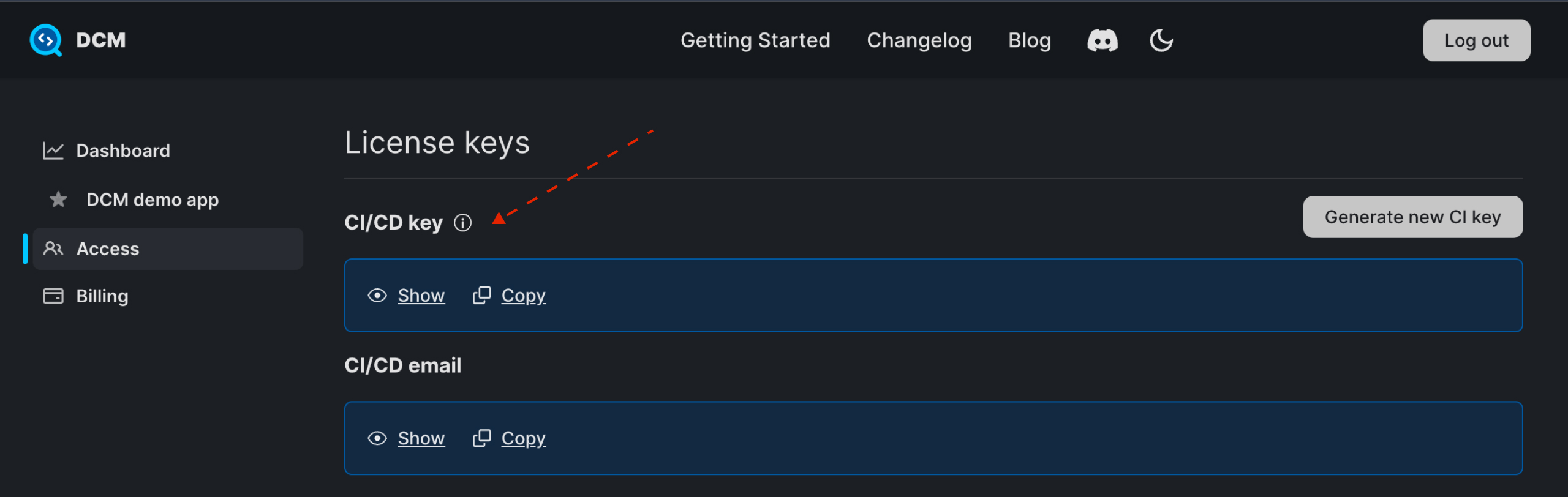
To reset the CI/CD key, click on the "Generate new CI key" button.
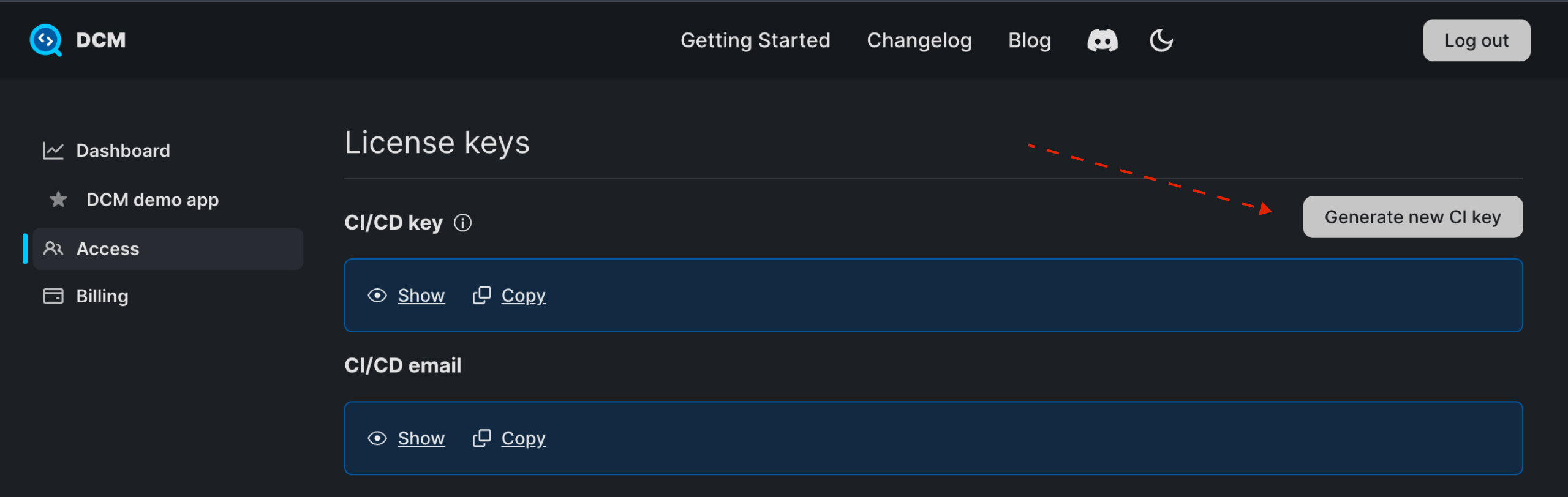
Then, click the "Generate new key" button. You can also update your CI/CD email.
View Last Usage Date
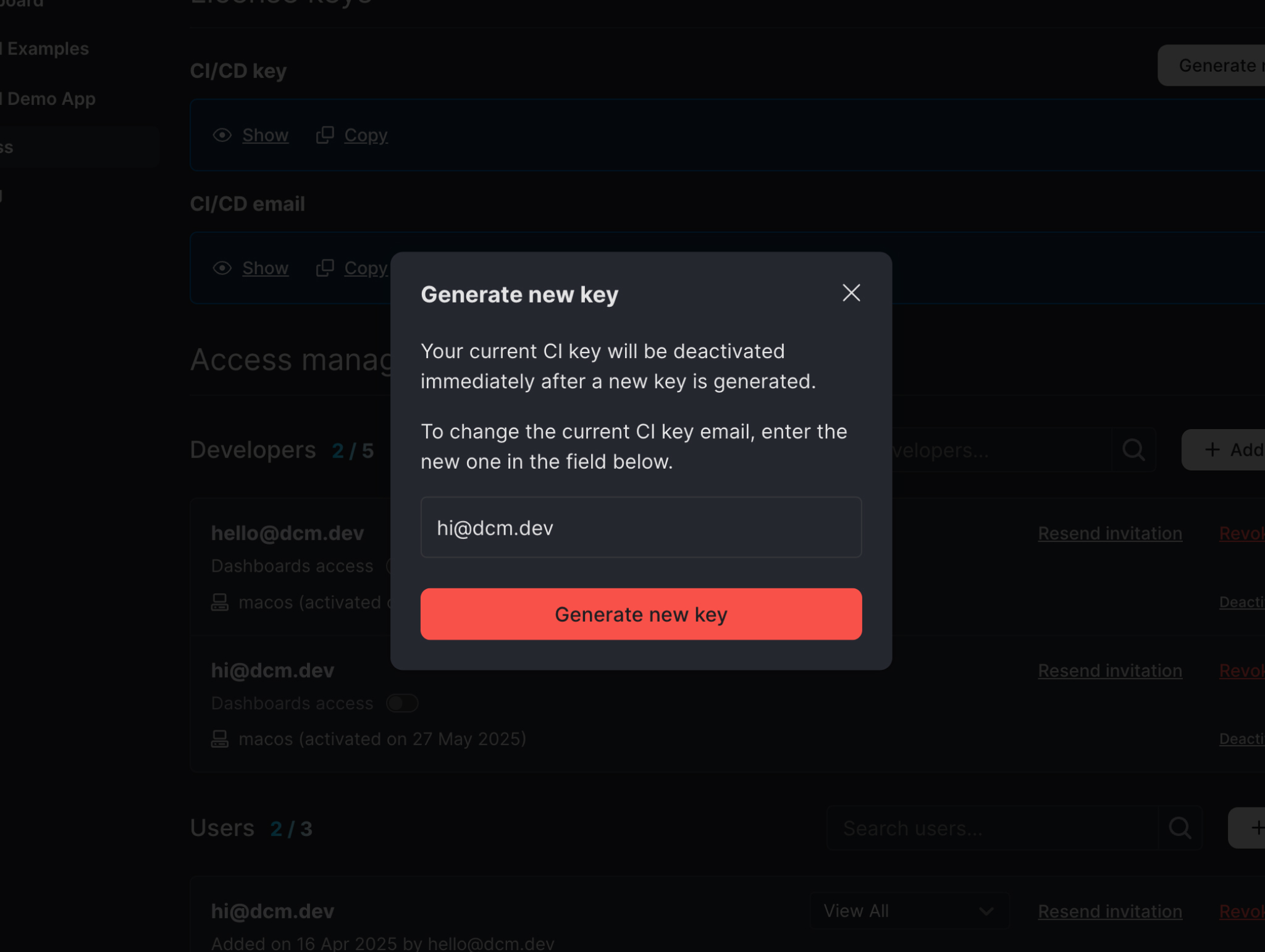
To view the last usage date of the CI/CD key, hover over the information icon.
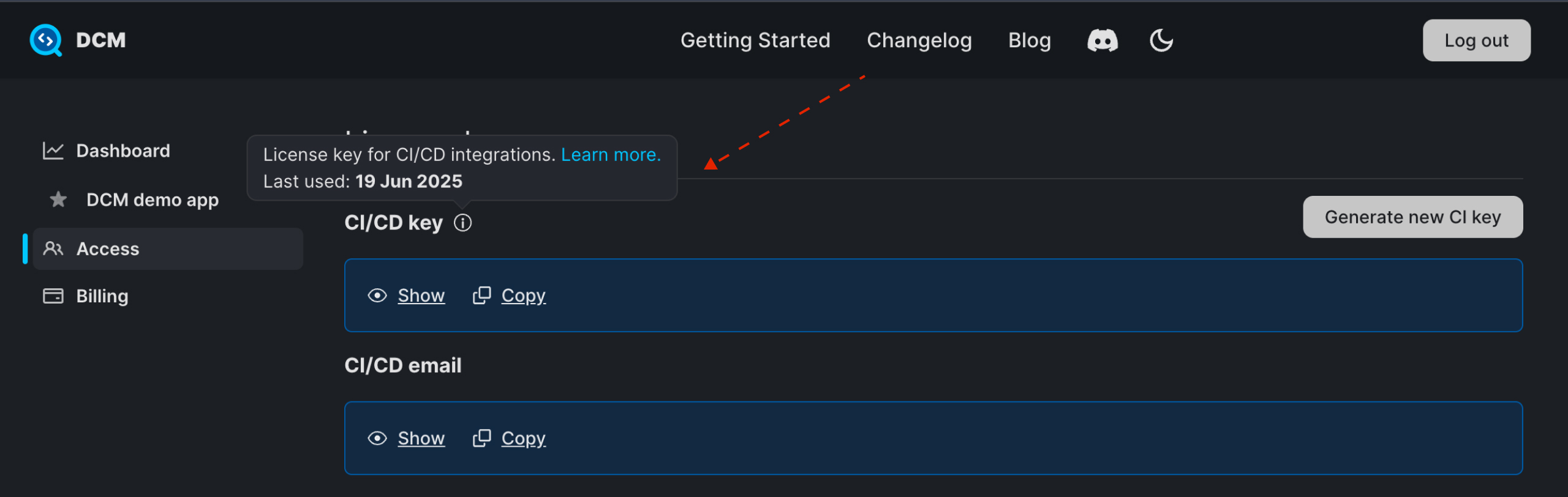
Access Global Project Key Enterprise
info
This key is available to Enterprise users only.
- Navigate to the "License Keys" section.
- Click "Show" to reveal the key.
- Click "Copy" to copy the key to your clipboard.
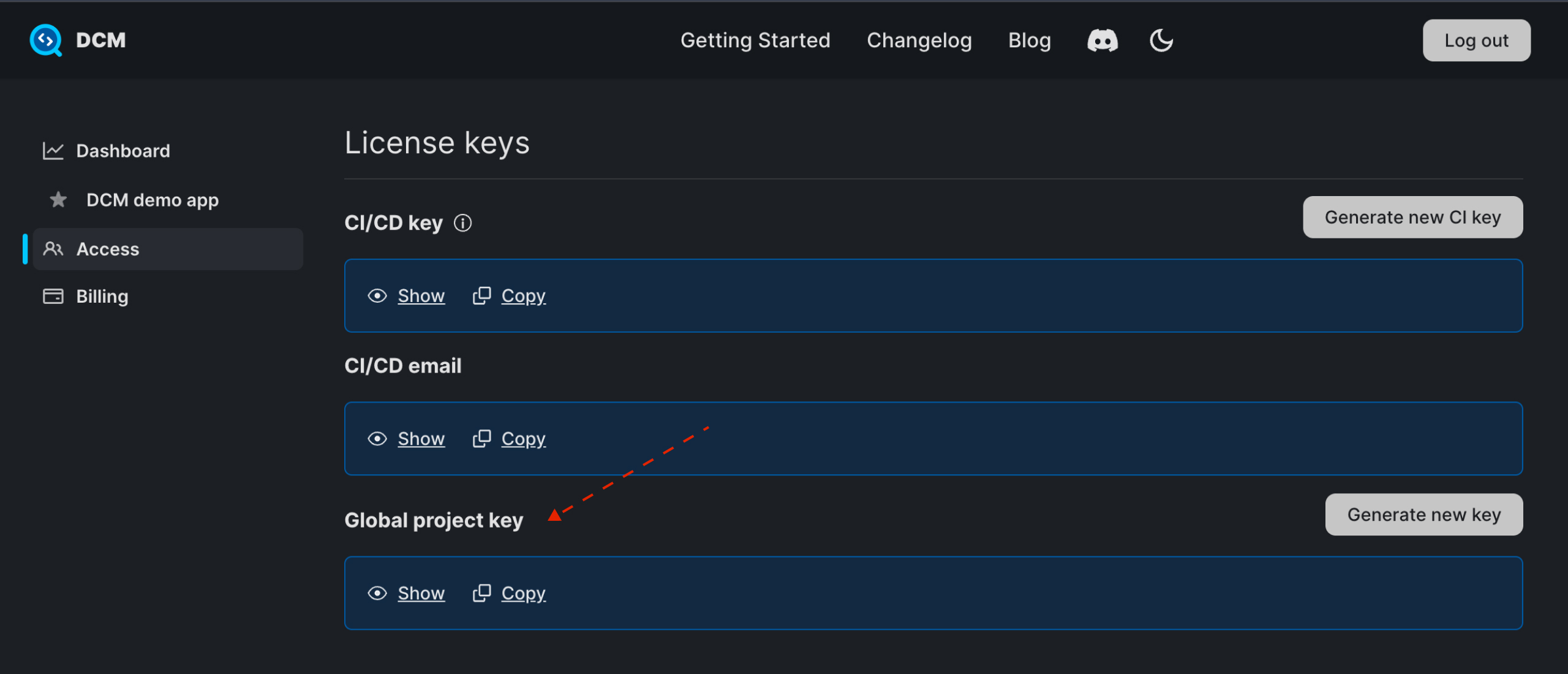
Generate New Global Project Key
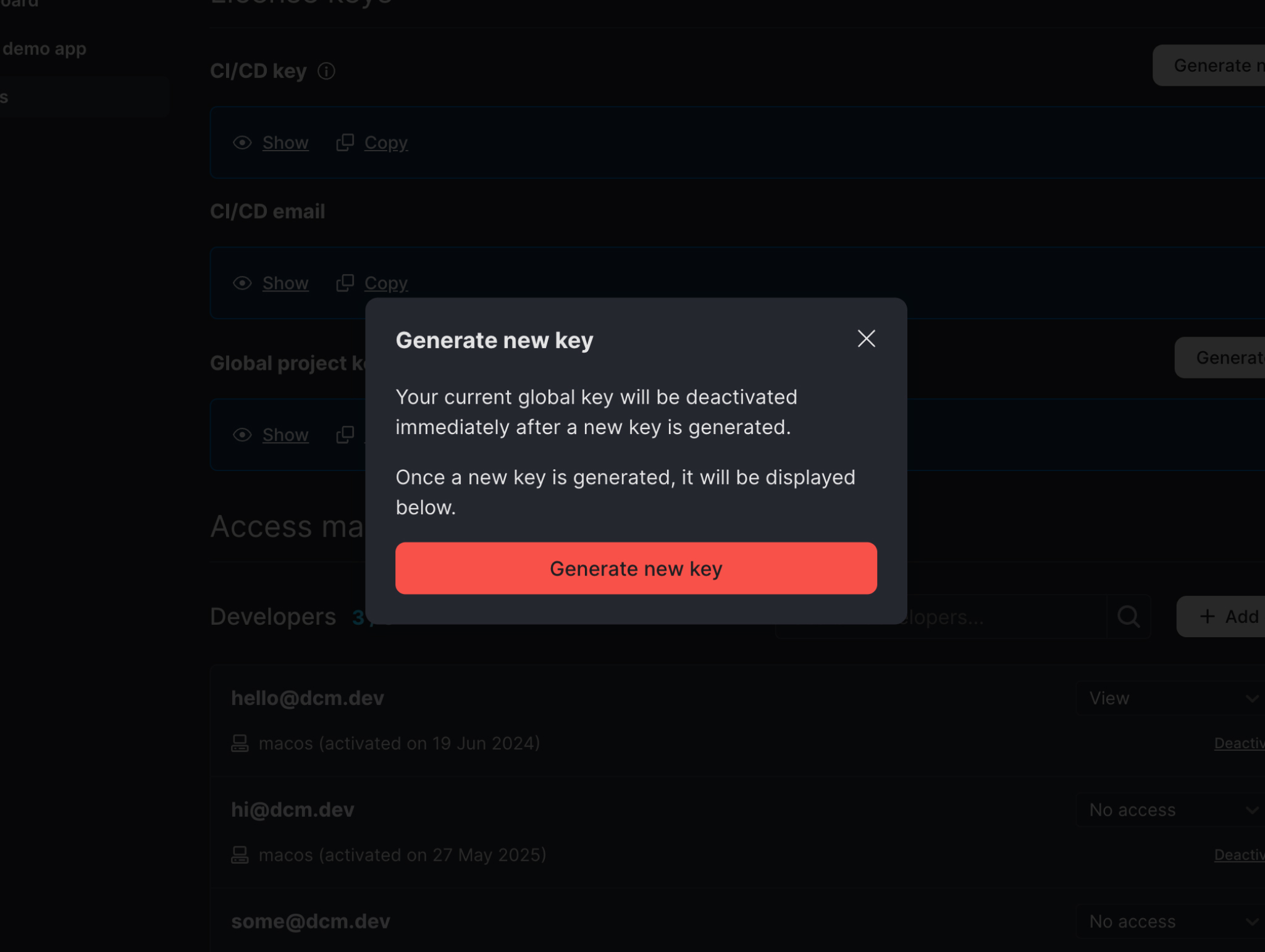
To reset the global project key, click on the "Generate new key" button.
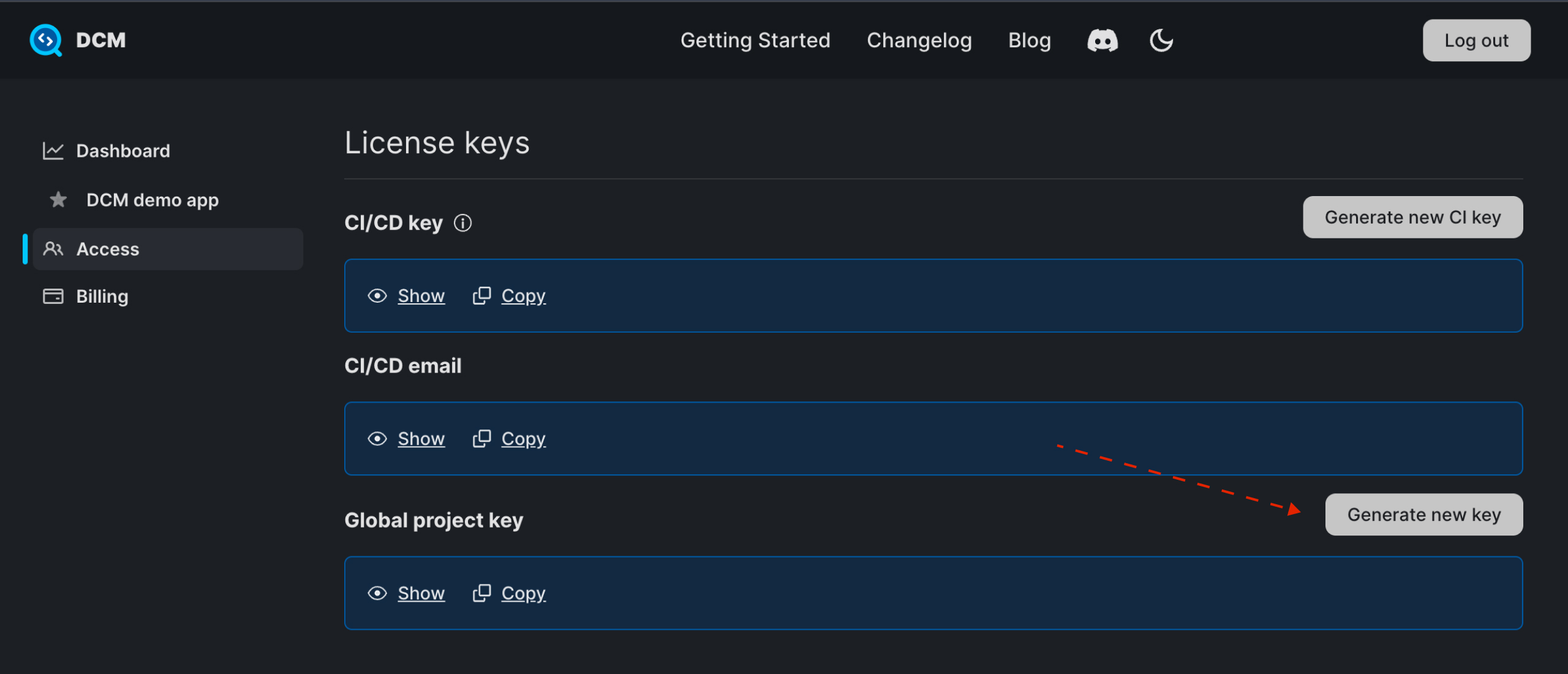
Then, click the "Generate new key" button.