Teams+
Settings
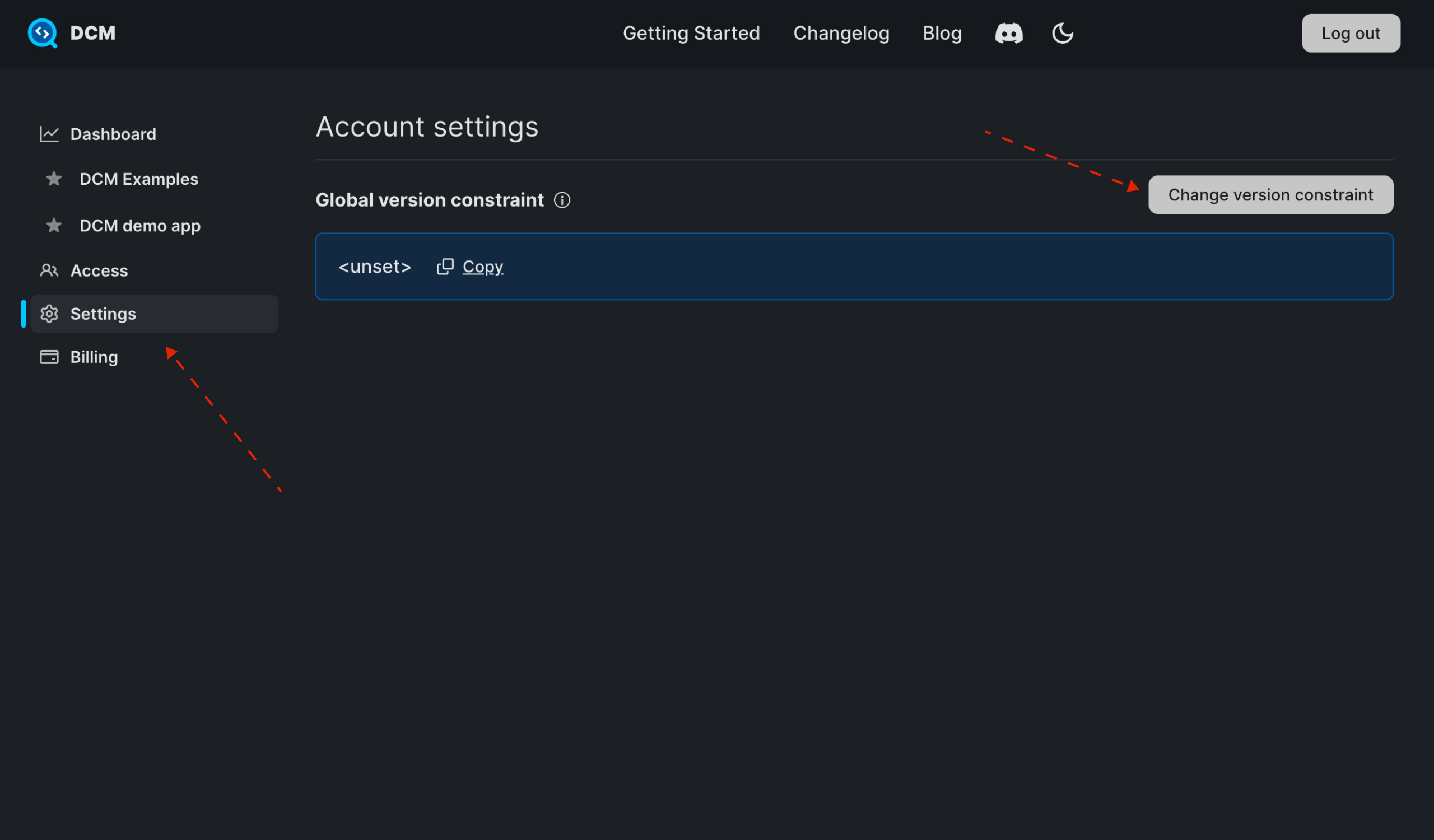
On the Settings page, you can view and manage your account settings.
Configure Global Version Constraint
warning
Global version constraint is available only for DCM 1.38.0+.
If the installed executable does not match the global version constraint, you'll get a notification in your IDE and all analysis-related DCM commands will produce a warning and exit with an error code.
To configure the global version constraint:
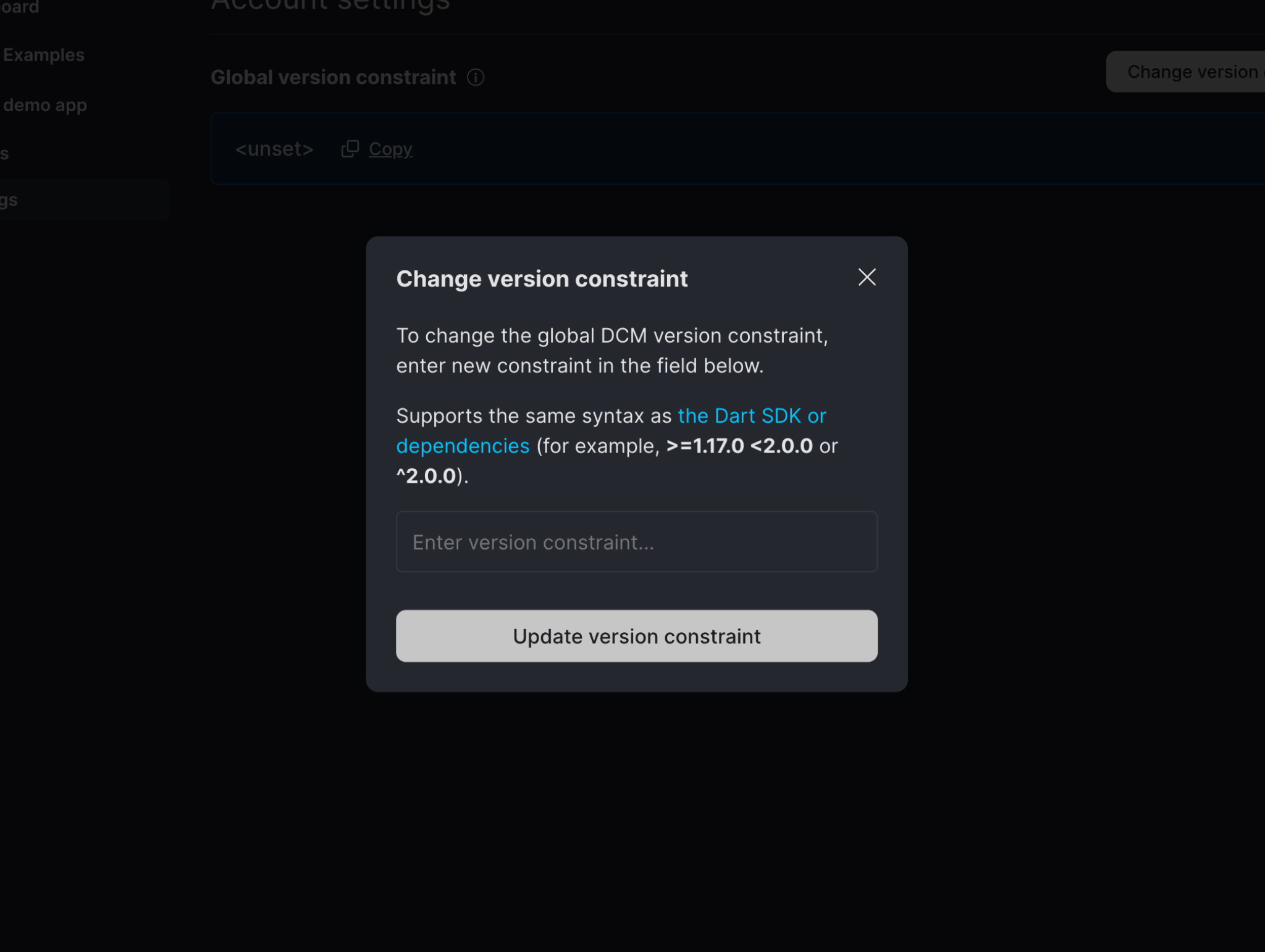
- Click on the "Change version constraint" button.
- Enter the constraint (it supports the same syntax as the Dart SDK or dependencies, for example, >=1.17.0 <2.0.0 or ^2.0.0).
- Click "Update version constraint".
info
This version constraint affects only the version of the installed executable.
To switch to a lower version in a particular project, add dcm_global.yaml to the root of that project.